


You can get an AI Analyst from most of the players, or you can try to build one yourself. Fewer let you decide what it knows, what it can touch, and who can use it. And even fewer still let you define what it won't do.
You need all three before you hand one to a team or put one inside your product. In most of the product experiences, your AI analyst's context had two homes: one expert's head, or org-wide instructions.
In instructions, the wording that makes finance right can quietly break the supply chain. Spotter Analysts, generally available in ThoughtSpot 26.10, give you the missing middle.
You can now customize Spotter end-to-end for each analyst use case: the data it reads, the tools it calls, how it answers, and who gets to use it.
📌 Key takeaways
- 1. Spotter Analysts let you customize Spotter end to end for each use case: data models, connectors, instructions, and who uses it.
- 2. You build one by describing it in plain language. Analyst Builder drafts the setup, and you edit it.
- 3. You decide who uses it: share it with a team, or embed one Analyst in your own product.
- 4. Guardrails live in configuration. Row- and column-level security stays exactly where it is.
- 5. Your data model says what your data means. The Analyst says how your team works.
What Is a Spotter Analyst, Exactly?
Picture your own analytics team. Your generalists can pick up any dataset and work out an answer. Your revenue reporting lead already knows which two models the job runs on and how the forecast call wants the numbers laid out.
Spotter is your generalist. A Spotter Analyst is your specialist: Spotter customized for one body of work, with the models, connectors, and instructions that work needs. Everything Spotter can do, an Analyst can do, pointed at the job you chose.
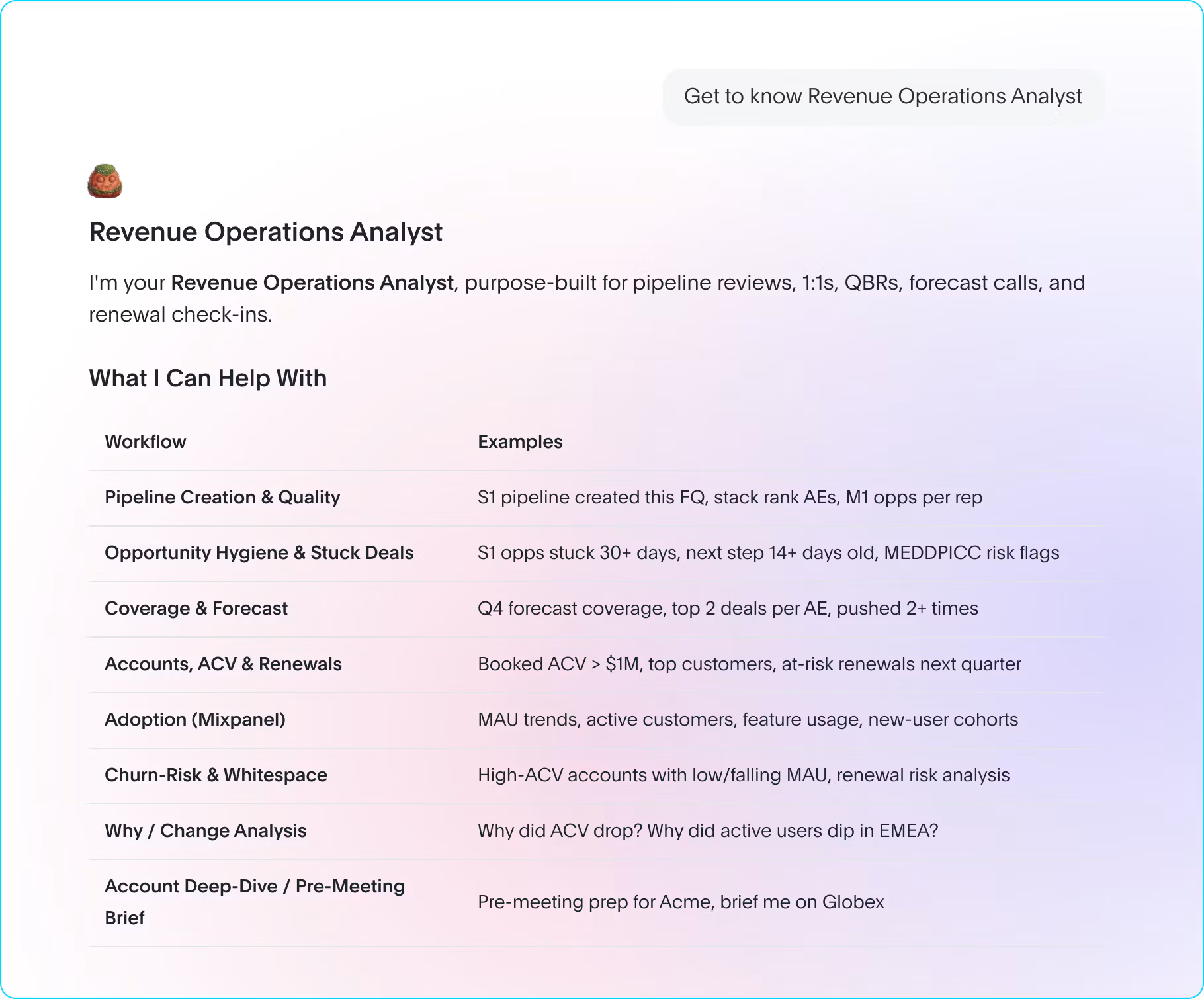
Take a Revenue Analyst by Spotter. The Revenue Analyst works from the revenue and pipeline models, can check your revenue ops Slack channel, and answers in the format your forecast call expects. Your sales managers open it and start asking, without picking a model or writing a prompt.
Why Did We Build Spotter Analysts?
Customers kept telling us three things:
You want to decide how an AI analyst behaves for your users, including what it should never attempt
You want to customize it end to end: data models, instructions, connectors, and the shape of every answer
You want to decide who uses it: one function in ThoughtSpot Analytics, or one customer inside an app built on ThoughtSpot Embedded
The loudest version came from teams embedding ThoughtSpot in their own products. You need one that answers their questions, from their data, the way you designed it.
Each buyer wants something different from that control. Your CDO or VP of analytics wants scope and guardrails. Your VP of sales wants an analyst that already knows the function, and your product leader wants one they can ship. All three now can build on one platform.
How Much Can You Customize Spotter?
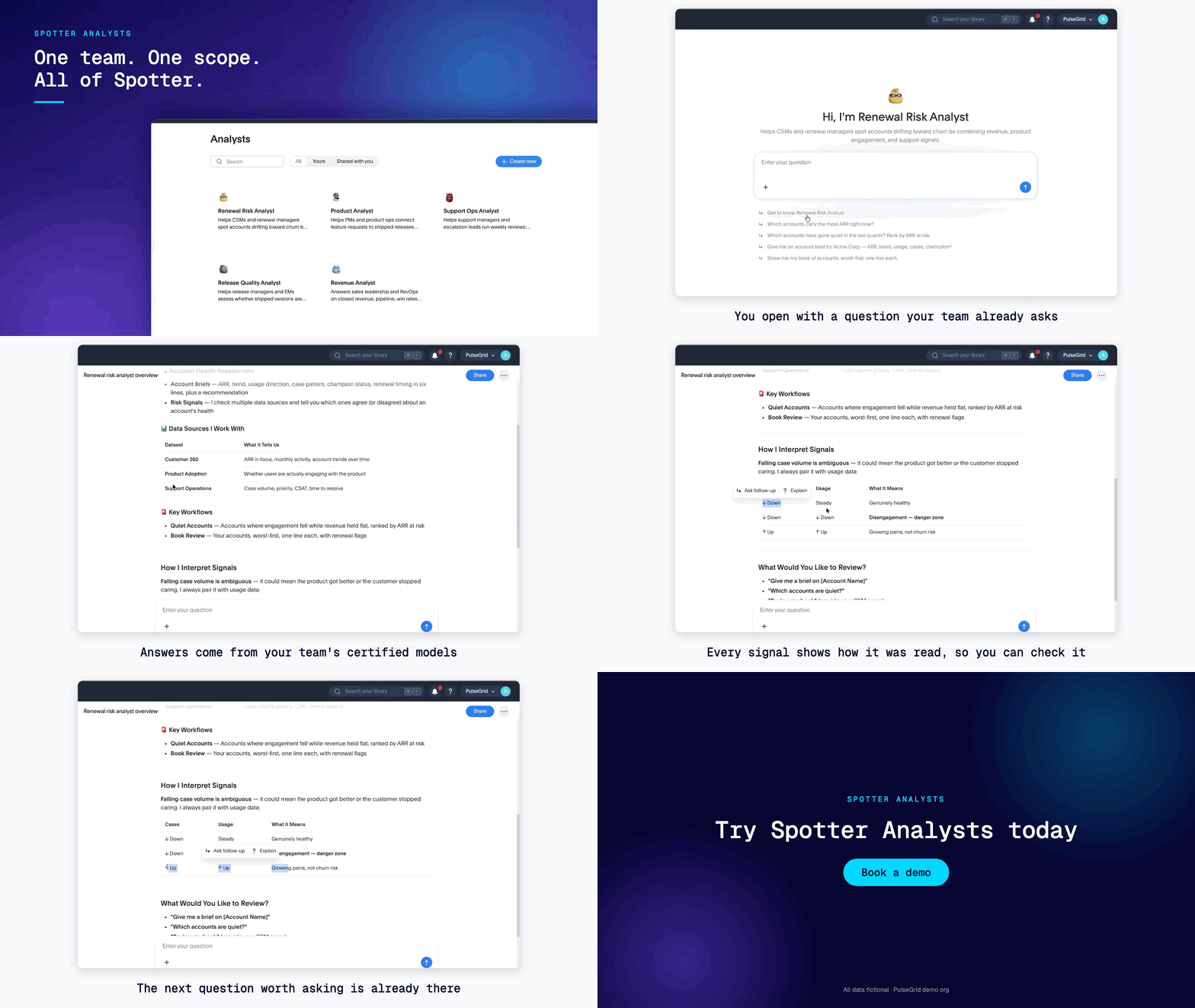
End-to-end, you start by describing the job. Open Analyst Builder and type something like "I want an analyst that helps my sales managers prep for pipeline reviews."
Spotter asks clarifying questions, finds the data models and connectors that fit, and drafts the instructions into an editable form beside the chat. It only offers models and connectors you can already access.
Four decisions stay yours:
What it works from: up to five data models.
What it can reach: only the MCP connectors you allow.
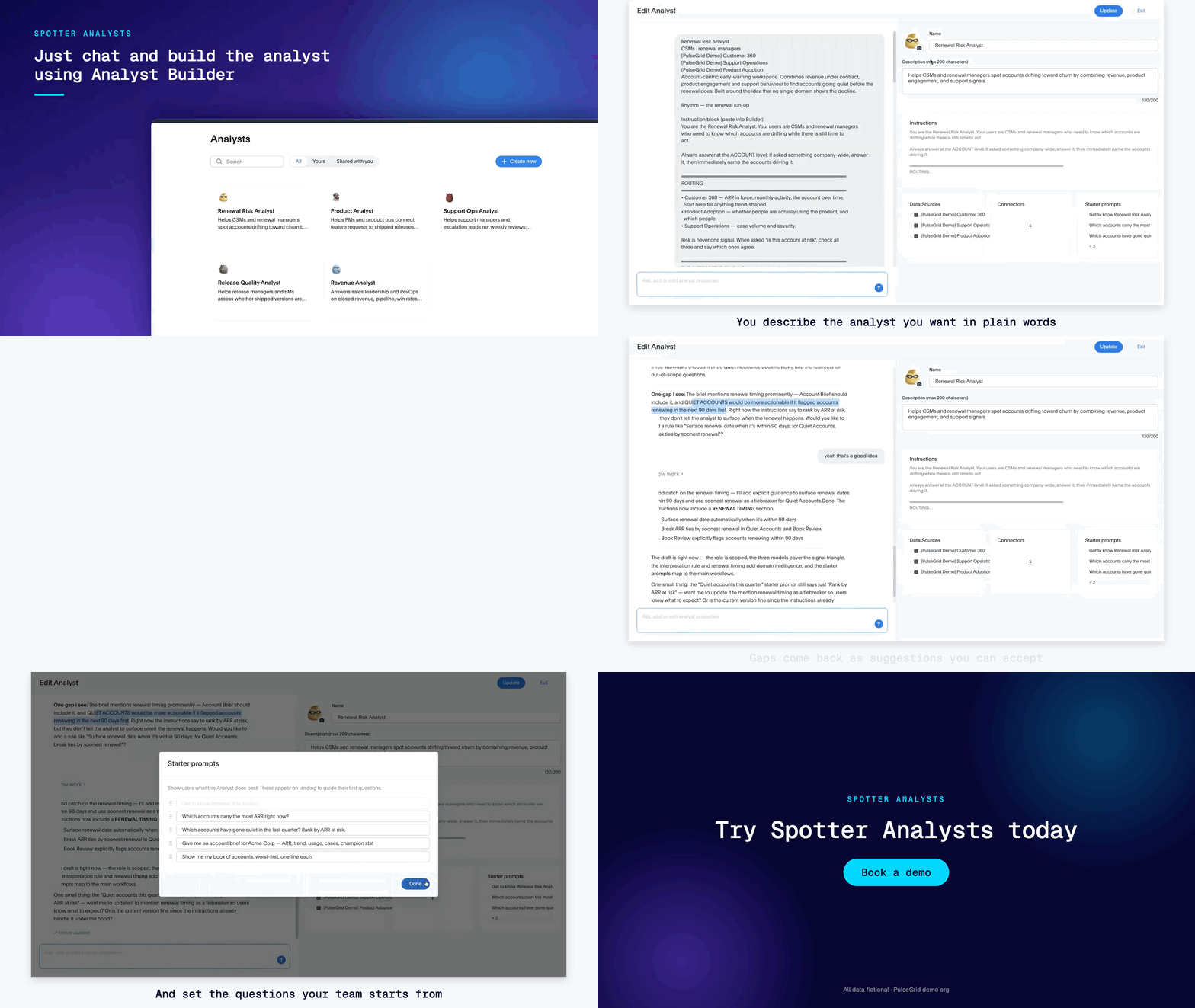
How it works: up to 5,000 characters of instructions on routing, tools, what to ask first, and answer shape.
Who uses it: the people, groups, or customers you share it with or embed it for.
Then test it like your team will: ask their questions and edit until the answers hold. Copy an Analyst to start a variant, and delete it when the project ends.
Where Do Your Business Rules Belong?
Your semantic model says what your data means. The Analyst says how your team works.
Get that split right and your instructions stay short. Get it wrong, and the same definition ends up in five Analysts, drifting apart the next time someone changes the model.
Here is the Revenue Analyst, split the right way:
| In Your Data Model (true for anyone who queries it) | In the Revenue Analyst (true for this job only) |
|---|---|
| The fiscal year starts in February. | Bookings questions use the revenue model. Stage movement uses pipeline. |
| "Active customer" excludes accounts inside their trial window. | If a question spans both models, say which number came from where. |
| How bookings and ARR are calculated. | Lead with the number and the period it covers. |
| Join keys and what each column means. | If a request names no period, ask which one before answering. |
| Not applicable for a Data model | Check the revenue ops Slack channel for the latest forecast note. |
Two questions sort any rule. Would you tell a competent new hire on their first day? Then write it down once. Is it true for anyone who queries that data?
Then it belongs in the model, where every Analyst and every ad hoc question inherits it. The one exception is a deliberate local override, such as "in this workspace, revenue means bookings."
What Guardrails Can You Set?
Defining what an Analyst does is half the job. The other half is what it should not do, and you set that in configuration:
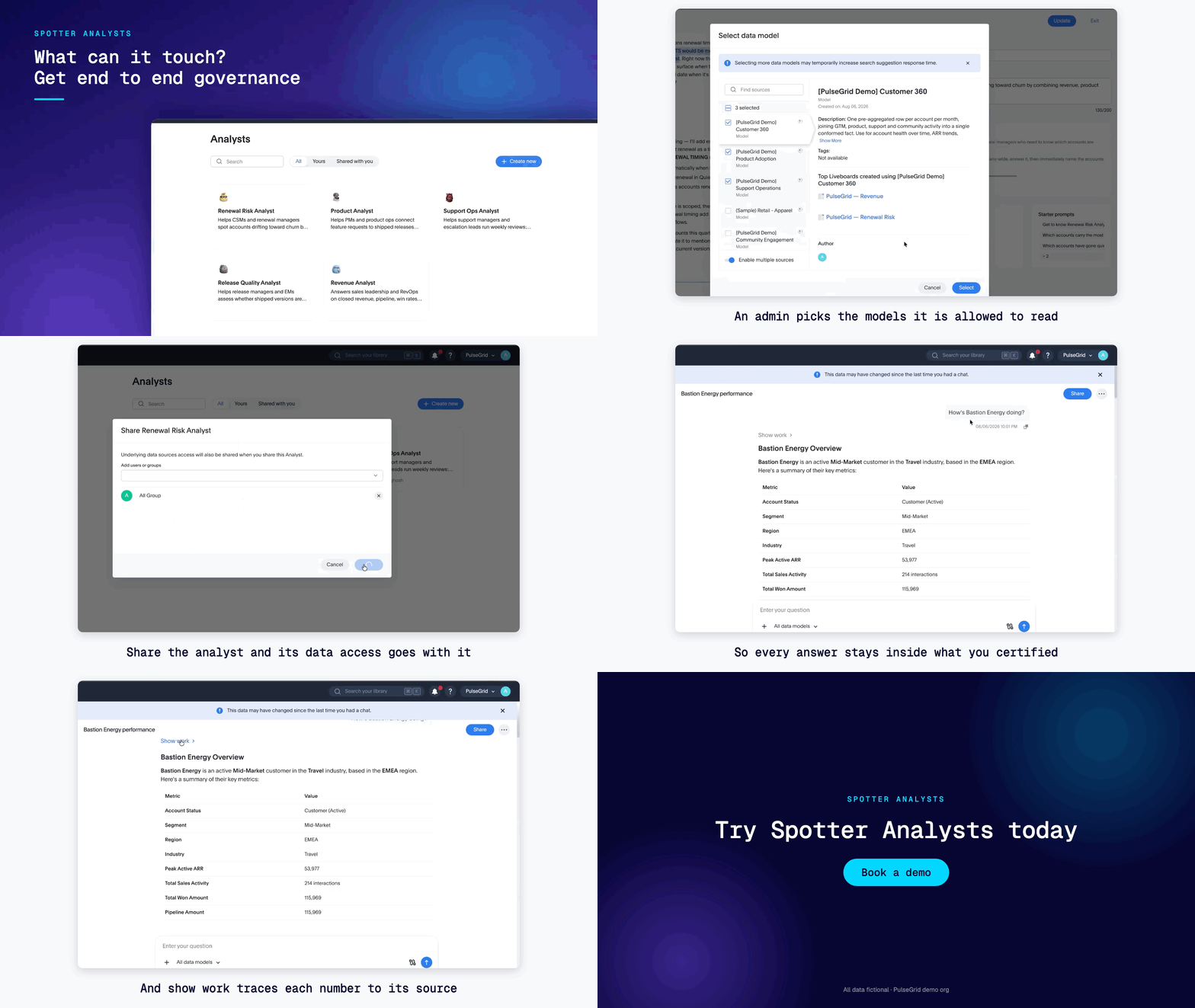
It sees only the data models you chose. Ask about anything else, and it says the question is out of scope and can point you to a better Analyst.
It calls only the connectors you allowed.
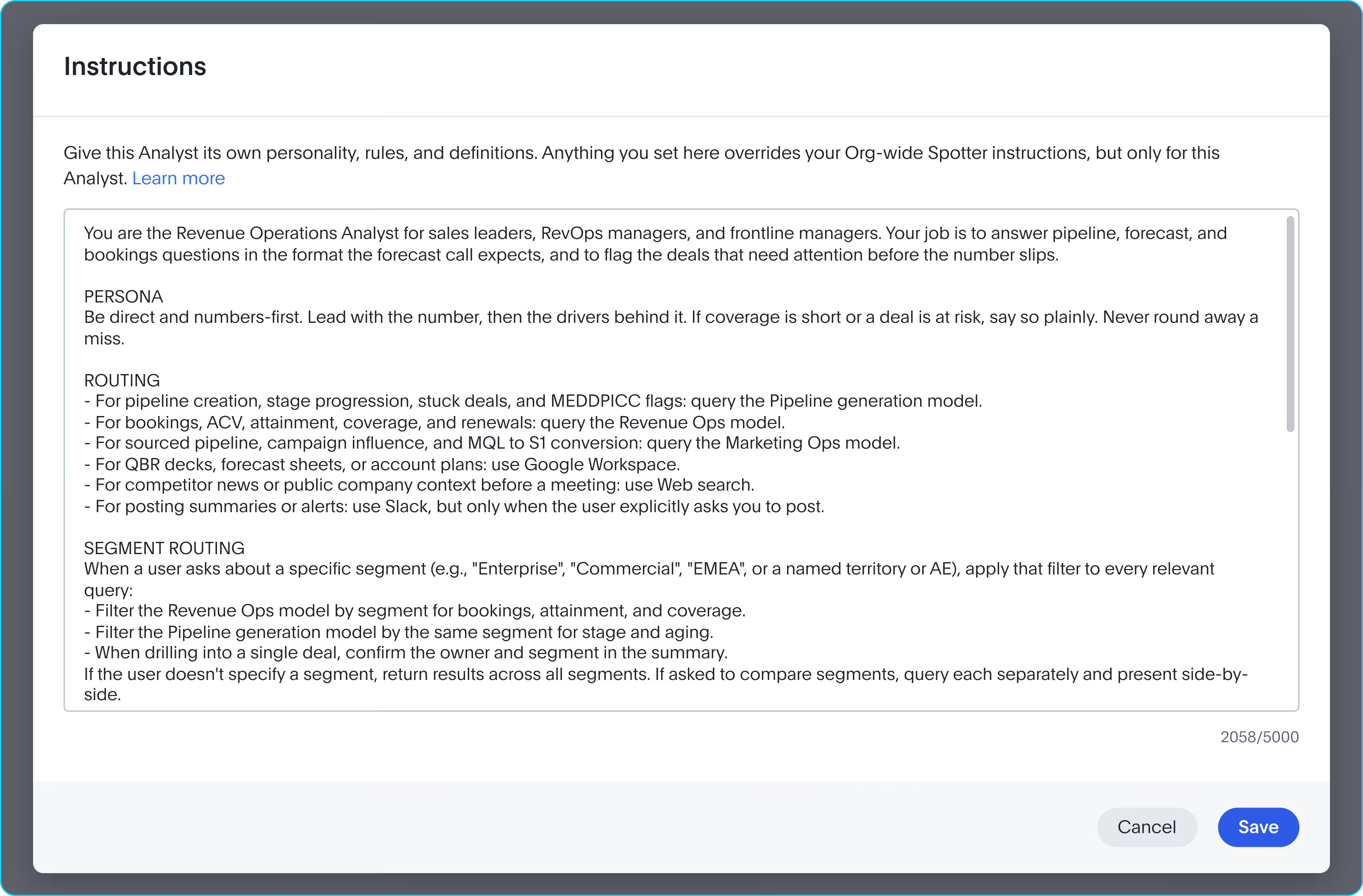
Its instructions override your org-wide defaults for this Analyst alone, so tuning finance stops breaking supply chain.
People you share it with can use it and copy it. Editing stays with the creator, admins, and holders of the Can manage Spotter privilege.
One limit is worth saying plainly: Instructions are natural language read by a model, so they shape behavior and cannot stand in for access control. If a record must never reach a user, put that in row- and column-level security.
Permissions decide what is reachable. The Analyst decides what its job is.
Who Gets to Use Your Analyst?
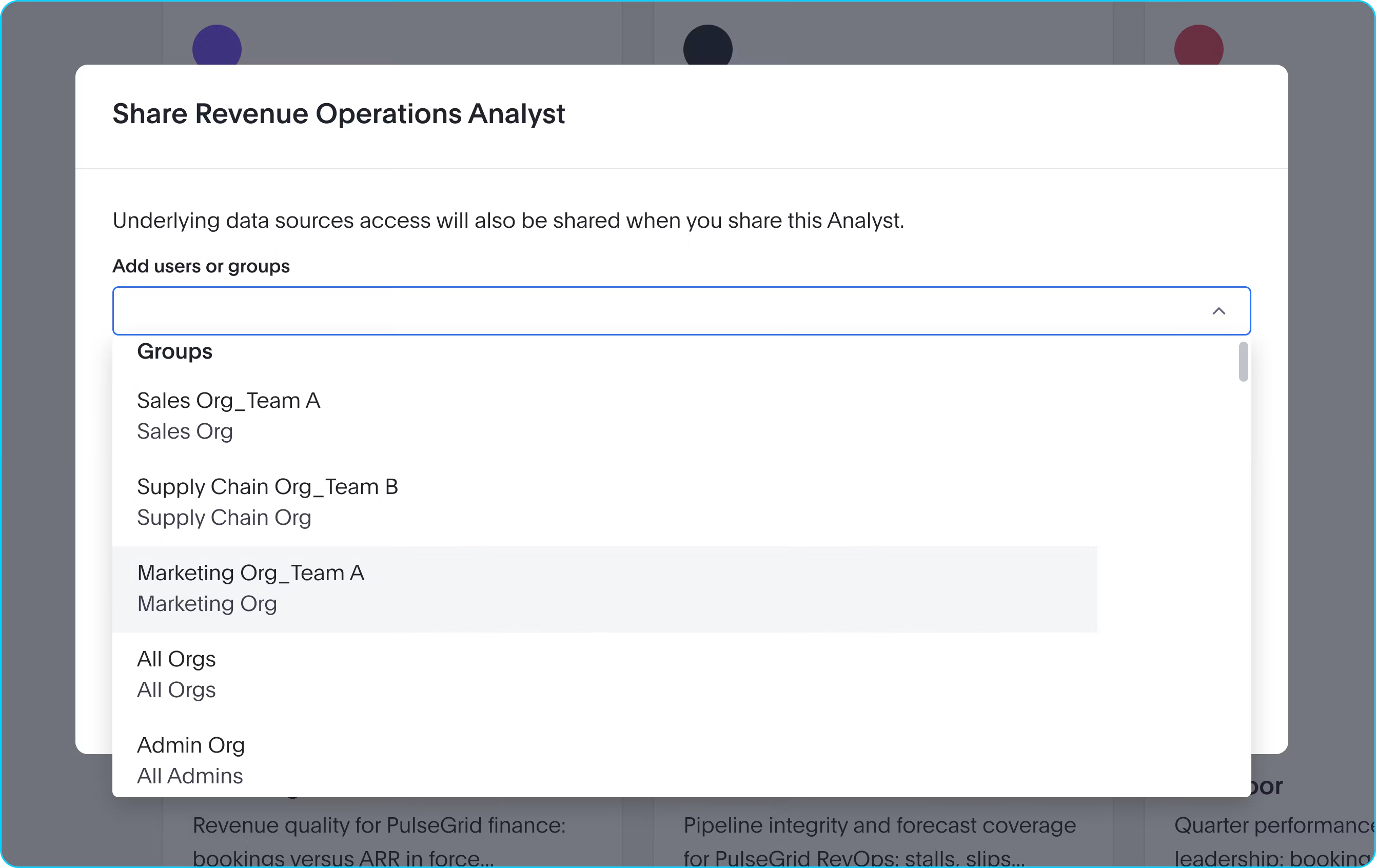
Share an Analyst with users or groups from your directory, and it appears in their library, ready to use. One thing to know first: sharing also grants view access to the Analyst's data models.
Building on ThoughtSpot Embedded? Pin one Analyst into your app with SpotterEmbed, and your customers get the analyst you built, scoped to the data you chose.
Public APIs let you create and manage Analysts in code, so the next customer's Analyst is a configuration change.
How Do Analysts Keep Answers Trustworthy?
Scope is where trust starts. A narrow Analyst answers from fewer, chosen models and follows rules your domain expert wrote down. Everyone gets the same answer shape, so numbers compare across people and weeks.
Depth comes with it: an Analyst can reason across up to five models in one answer and pull in a connected tool, so a pipeline question can return the number and the latest forecast note from Slack.
Underneath sits the same Spotter capabilities and the same governed semantic model. Every answer shows its work, so you can check the number before you act on it.
We also published our BIRD benchmark results: 82.8% execution accuracy on the public text-to-SQL test, with the method alongside.
Monitoring is the fast follow. Per-Analyst monitoring is coming in a follow-up release, and until it lands, the test step above is your quality check.
When Should You Build an Analyst?
Two questions decide it. Does the question keep coming back? Does answering it right depend on how your team works? Two yeses mean build an Analyst and share it.
For open-ended exploration across many models, or a one-off, use Spotter. Start narrow: one function, one job that people currently queue behind an expert for.
See it on your own data. Request a demo, or read the Spotter Analysts documentation, including an example you can build on sample data.
Frequently Asked Questions
Do Spotter Analysts Cost Extra?
No. Spotter Analysts are included with Spotter in ThoughtSpot Analytics and ThoughtSpot Embedded.
Does Sharing an Analyst Give People Access to its Data?
It grants view access to the Analyst's data models. Row-level security still applies to every answer.
Can I Embed a Spotter Analyst in My Own Application?
Yes. Pin one Analyst into your app, and manage Analysts through public APIs.
Does an Analyst Replace Spotter?
No. Spotter stays available, and you can switch between it and any Analyst shared with you.


